
Free to use
Free to start. Premium when you want more.
Gardn is free to use — plan your garden, follow the week ahead, watch over it through the seasons. The AI features come with a free monthly allowance. Premium raises the allowances and adds the creative tools.
What’s free
Free, from the first time you open the app.
- Draw and plan your garden — beds, borders, layoutFree
- Your garden’s week, sorted — tasks and the care feedFree
- Weather-aware care, with frost and weather alertsFree
- Journey — your garden’s history, keptFree
- Community — Neighbourhood, Friends and Groups nearbyFree
- Wildlife Score and the seasonal veg calendarFree
- Bird Listen — name the birds singing nearbyFree
No account hoops, no quota. These are there every day, for everyone.
Free each month
The AI features come with a monthly allowance.
Free to try, and free to keep using within a monthly allowance that resets at the start of each month. Premium raises these limits substantially.
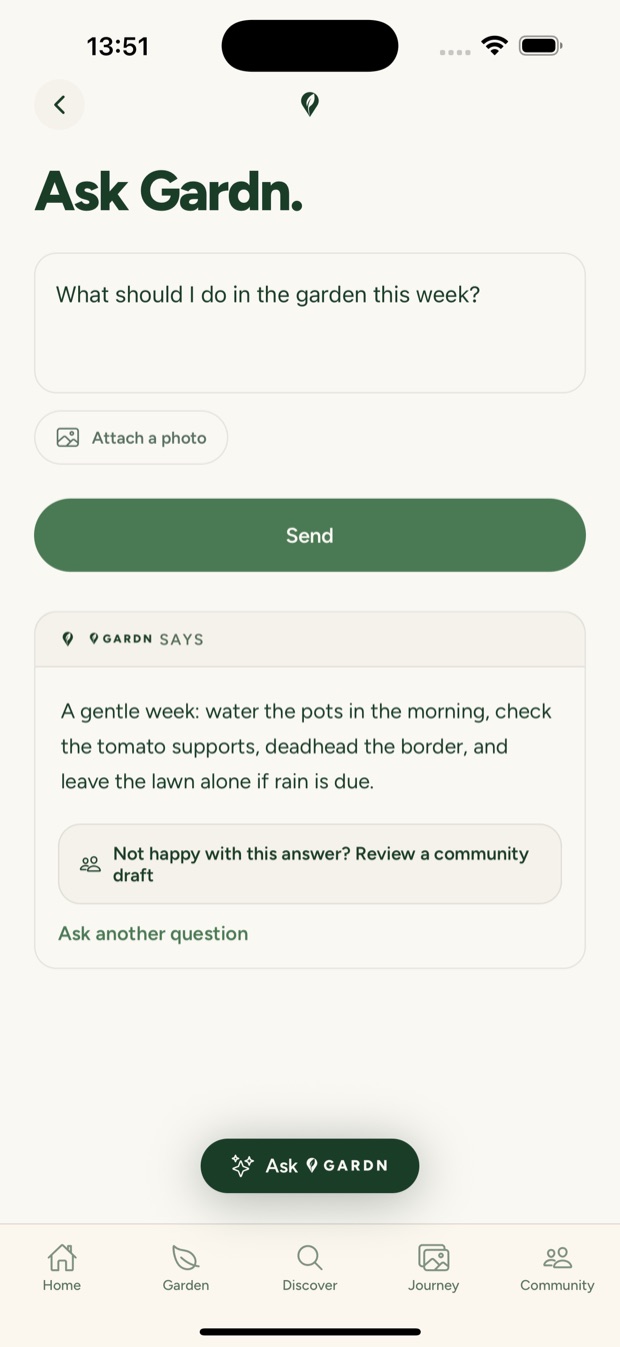
- Ask Gardn — answers that know your garden3 / month free
- Plant identification from a photo5 / month free
- Plant and lawn health checks, with a plan3 / month free
- Discover — plant info, on demand3 / month free
- Border Scan — name every plant in a border1 / month free
Reach the allowance and Gardn will let you know. Premium raises these to a generous monthly allowance.
Free vs Premium
What changes when you go premium.
Free.
- Draw, plan, tasks, weather, Journey, Community
- Wildlife Score, veg calendar, Bird Listen
- AI features within a free monthly allowance
- Household sharing — one garden, the whole family
Premium.
- Everything in free, with greatly raised limits — Ask Gardn, plant ID, health checks, Discover and Border Scan
- Inspire — AI garden imagery from a descriptionPremium
- Inspired by Gardn — the 2D garden renderPremium
Gardn premium
Available now on the App Store and Google Play.
Good to know
A few honest answers.
When does it launch?
Gardn is out now — free on the App Store and Google Play.
Which platforms?
iOS and Android — download it free from the App Store or Google Play.
Can I cancel?
Yes, anytime. Gardn is free to use, so there is nothing to cancel unless you subscribe. If you subscribe to Premium, you can cancel in the App Store or Google Play and keep access until the end of your billing period.
Do I have to pay?
No. Gardn is free to start and free to use — planning, tasks, weather, Journey, Community, Wildlife Score, the veg calendar and Bird Listen. The AI features come with a free monthly allowance. Premium raises the allowances and adds Inspire.
What does premium cost?
From £6.99 a month, or £49.99 a year — a £33.89 annual saving compared with paying monthly. Prices are in GBP; the App Store and Google Play show and charge you in your local currency.
Free to use — from day one.
Download Gardn free, with Premium when you want more. Or join the list for a monthly garden note.
No spam. One garden note a month. Unsubscribe anytime.
One garden note a month — what’s worth doing, and when.